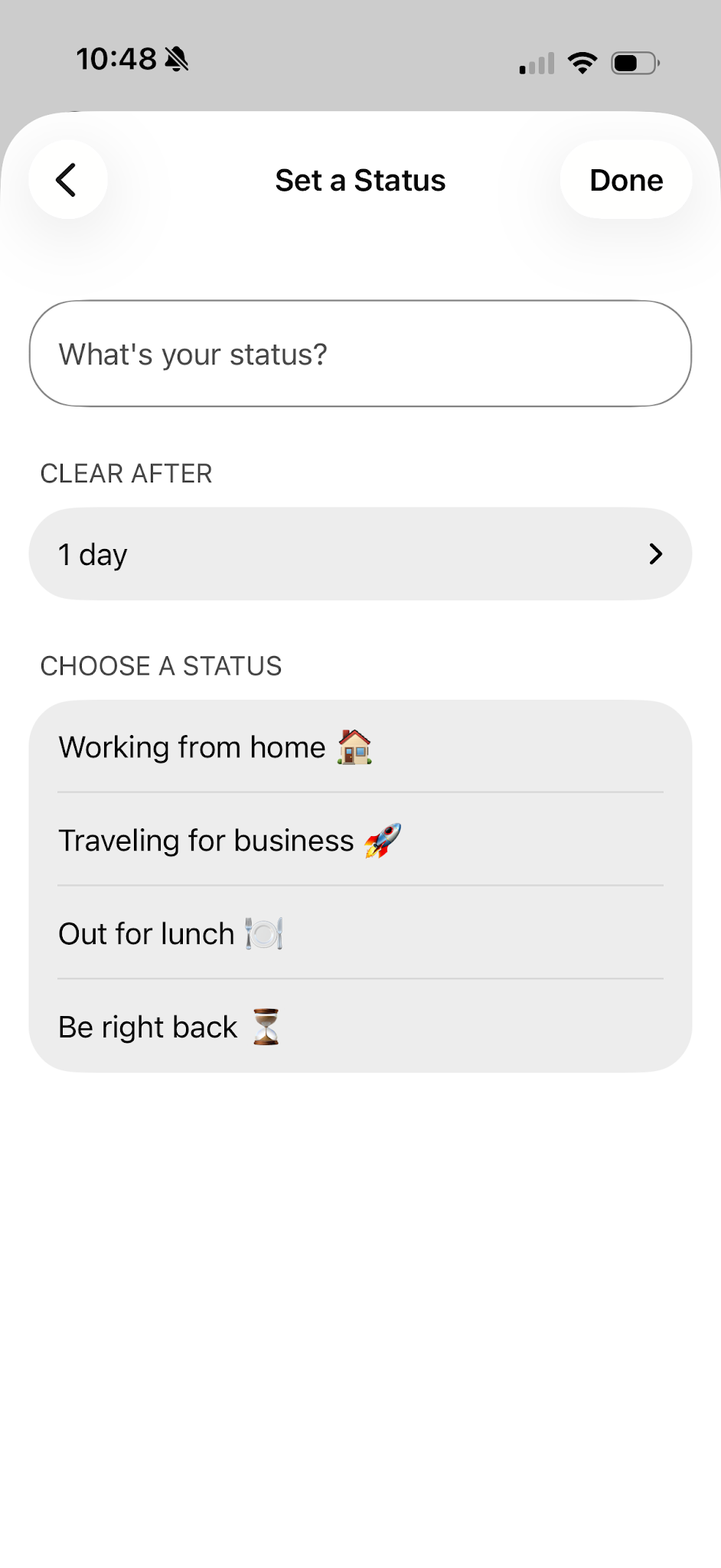
Set a custom status
Create and post the status you want so that your contacts know what you're up to.
To set a custom status:
- In the app header, tap on your profile picture and tap Set a Status.
- You can select a status from the list or create a new status by typing it into the Type Your New Status text field.
- Tap Done when finished.

You can add up to five status options to the list, so they are quickly available. Each status has a maximum length of 75 characters and can include emojis.